macOS Retail Kiosk Software · by DripSoft
See it before you buy it.
Scan to watch.
Full-screen video that sells. A barcode scan plays the right product video — instantly, automatically, on any Mac from 2012 onward.
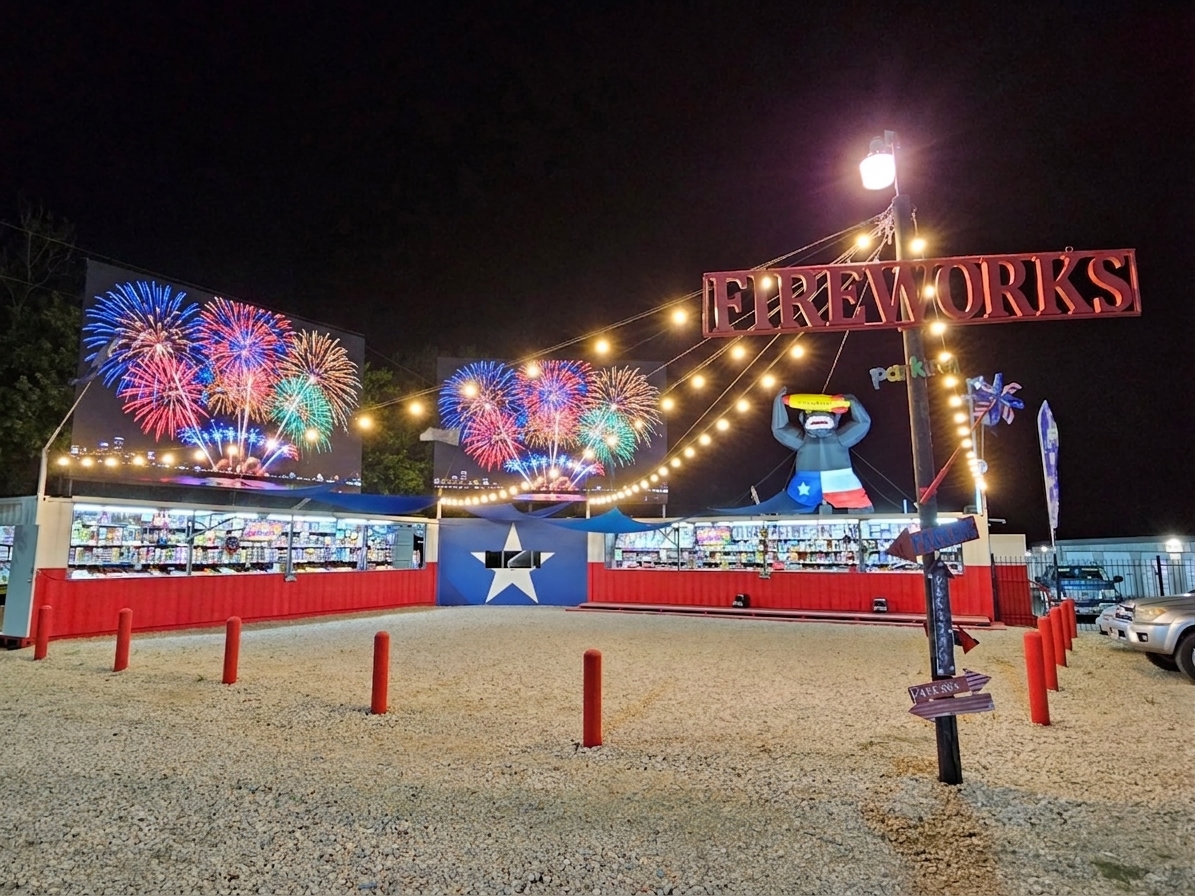
Deployed & Working
Built for a real store.
Tested on real customers.
Retail Player was developed by DripSoft in Dripping Springs, Texas and is currently installed and running at All About Pyrotechnics in Azle, TX — a seasonal fireworks stand that opens for New Year's, July 4th, and every Texas holiday worth celebrating.
The Experience
Set it up once.
It runs itself.
Retail Player turns any Mac into a silent, self-managing video kiosk. No clicking, no navigating menus. Just a barcode scanner and a beautifully running display that sells while you sell.
In The Store
Scan the box.
Watch it explode.
Works with any standard barcode scanner — USB or Bluetooth. The scanner acts as a keyboard, so there's nothing to configure, no drivers to install.
Name your video files to match the product barcodes and drop them in a folder. Adding a new product video takes about ten seconds.

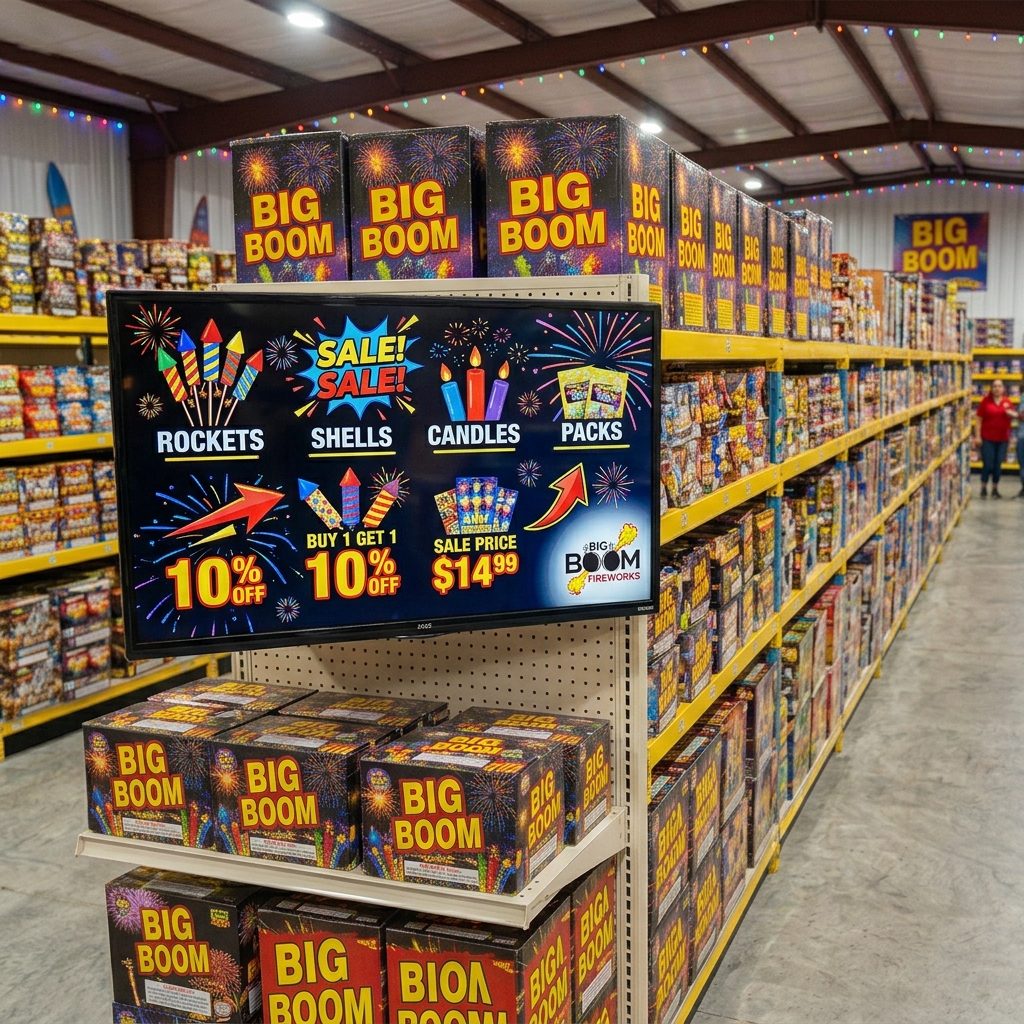
Always On
Your display
never rests.
Between scans, your sales loop video runs on an endless, gapless loop. Promotions, brand storytelling, sale pricing, atmosphere — whatever drives your customers to reach for more product.
Built on Apple's AVPlayerLooper framework, the loop is engineered to run for days without freezing, memory leaks, or intervention. Set it up once and walk away.
Low Cost to Deploy
Run it on a Mac
you already own.
Retail Player requires macOS 10.15 — which means any Mac from 2012 onward can run it. You don't need new hardware. A refurbished Mac mini from eBay and a TV you already have is all it takes to get a professional kiosk display running in your store.
What a complete setup costs
A professional kiosk display for under $500.
macOS 10.15 Catalina minimum · Any Mac from 2012 onward · Give retired office hardware a productive second life
Built for Retail
Everything a kiosk needs.
Nothing it doesn't.
Apple Music Volume Control
Apple Music Integration
Music that knows
when to step back.
Connect Retail Player to Apple Music and it automatically manages volume. Music plays fully during the sales loop, then smoothly fades underneath product videos so the audio is clearly heard.
The fade takes about 1.8 seconds — gradual enough to feel natural over a store sound system. When the product video ends, music fades back up just as smoothly.
Play any station, playlist, or album. Retail Player controls only the volume — your music selection is entirely yours.
All About Pyrotechnics · Azle, Texas
Already working
in a real store.
Retail Player was developed by DripSoft in Dripping Springs, TX and is currently installed and running at All About Pyrotechnics in Azle, TX. Customers scan firework boxes to watch aerial demo videos before they buy — the sale makes itself.

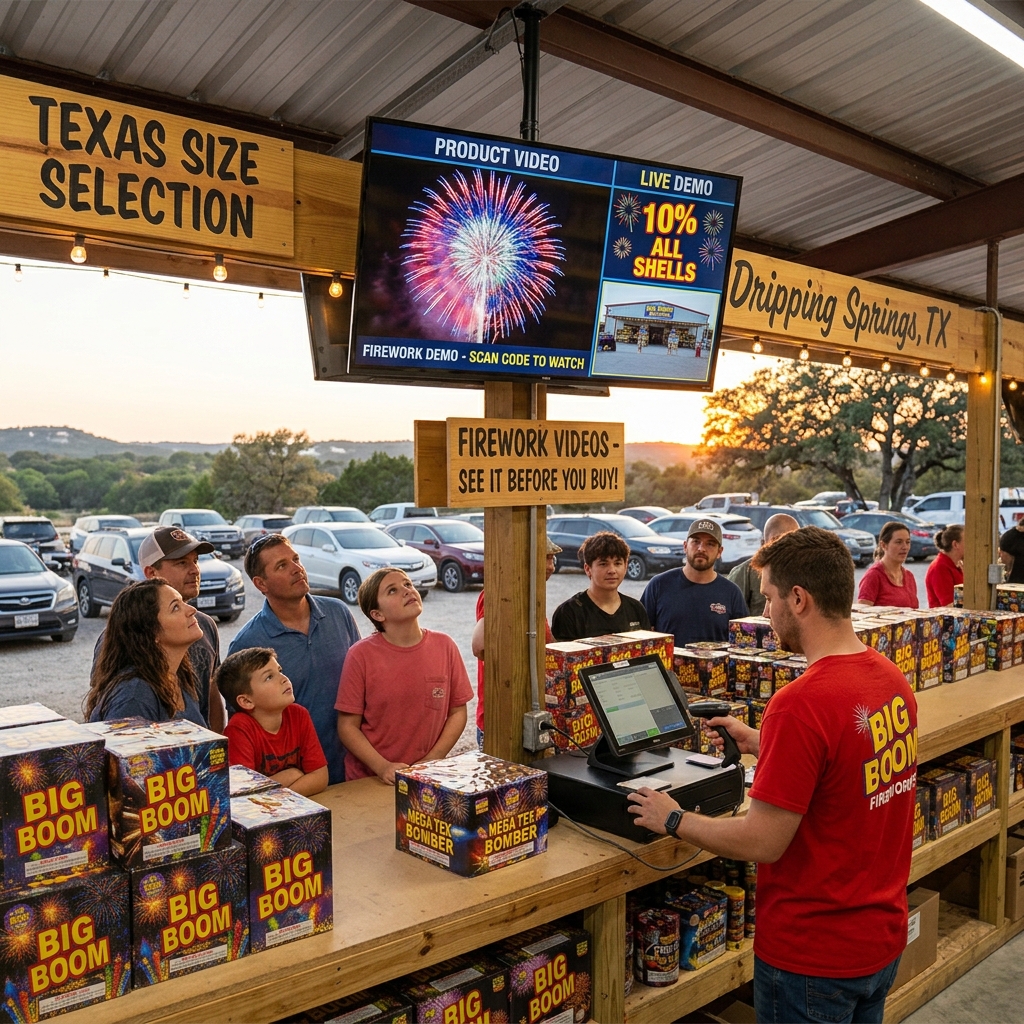
Any Product. Any Store.
If it has a barcode,
it can have a demo video.
Technical Specifications
Native macOS.
No compromises.
No third-party dependencies. No web views. Pure native macOS using AVFoundation, AVKit, and AppKit — the same frameworks Apple uses in its own media applications.
Put your products on the screen.
Retail Player works on any Mac running macOS 10.15 or later. Setup takes about ten minutes. Your videos start selling the same day.